
Guide
Migrating Maintenance Data to a New CMMS: What to Move, Clean and Leave Behind
How to migrate maintenance data to a new CMMS: what to move, what to clean first, what to leave behind, and how to check the result before technicians rely on it.
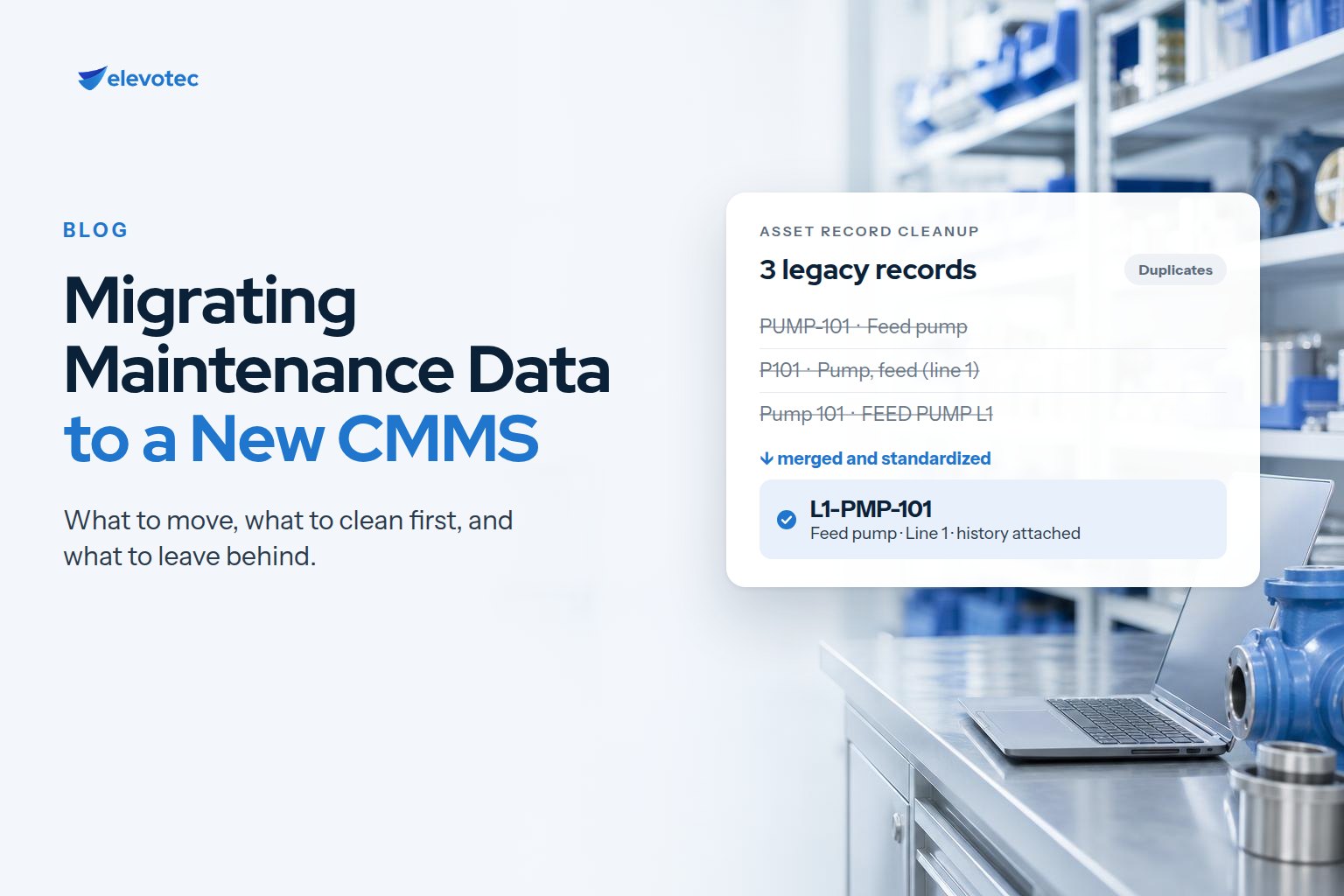
A new CMMS starts with whatever data you give it. If the asset register is duplicated, the hierarchy is missing, or the preventive maintenance schedules describe what was intended rather than what is done, the new system inherits all of it. Technicians notice quickly, and a system they do not trust soon goes back to being a place where work is recorded after the fact.
Migration is therefore less about moving records and more about deciding which records deserve to move, and in what shape. This guide walks through those decisions.
Decide what needs to move
The usual candidates are:
- The asset register and its hierarchy: sites, areas, systems and equipment
- Preventive maintenance schedules and their task lists
- Spare parts and inventory records, linked to the assets they serve
- Open work orders and outstanding requests
- Closed work-order history
- Supporting lists: suppliers, crafts, failure codes and priorities
Not all of it should move as-is. Closed work-order history is the item most worth debating. It is valuable for failure analysis and for evidence your regulators or auditors may expect, but old records written to old codes can clutter the new system. Common options are to migrate it in full, migrate a recent period, migrate a summary per asset, or keep it in an accessible archive. Decide based on what the history will actually be used for and how long you are required to keep it.
Clean before you move, not after
Cleaning data after go-live means doing it while people are working in the system and losing confidence in it. It is easier beforehand:
- Agree one asset naming and numbering standard, and apply it to every record.
- Remove duplicate equipment records, keeping the history that matters from each.
- Build the asset hierarchy, so work and cost can roll up to systems, areas and sites.
- Review preventive maintenance against what is actually performed: retire tasks nobody does, merge overlapping ones, and check frequencies.
- Consolidate duplicate part numbers and link parts to the assets that use them.
- Align codes for work types, priorities and failures, and take the chance to simplify them.
This work needs the people who know the equipment and the storeroom. An implementation team can structure, de-duplicate and load data, but only your maintenance leads can say which of two similar records is the real pump.
Map the old structure onto the new one
Every field you migrate needs a destination, and every code list needs a translation from old values to new. Fields with no destination should be a deliberate decision, not an accident discovered later. Where a record is shared with another system — parts, suppliers and costs are common examples with purchasing or ERP — decide which system is the source of truth before loading anything. Our article When the Integration Works but the Process Still Doesn’t explains why ownership matters after go-live as well.
Load in rounds, and test the result
A single load straight into production leaves no room to find problems. A safer sequence is:
- Run a trial load into a test environment.
- Reconcile record counts and key values against the source.
- Have people who know the equipment spot-check assets, schedules and parts.
- Walk a sample of assets on the floor and compare them with the records.
- Fix problems at the source and reload, rather than patching the target by hand.
- Plan the cut-over: freeze changes in the old system, load open work orders last, and agree the date from which all new work is recorded in the new one.
Keep it clean after go-live
Data quality is not a one-off. Give someone ownership of new asset creation, enforce the naming standard at the point of entry, and review the register periodically. Otherwise the duplicates return, one urgent job at a time.
A short migration checklist
- Scope agreed: which data moves, which is archived, and why.
- Naming standard and asset hierarchy agreed by maintenance leads.
- Duplicates resolved and preventive maintenance reviewed.
- Field and code mapping documented.
- Source of truth agreed for every shared record.
- Trial load reconciled and spot-checked.
- Cut-over plan and data ownership after go-live agreed.
How this fits an eMaint X5 implementation
Data preparation is a stage of its own in Elevotec’s eMaint X5 implementation: legacy spreadsheets and databases are cleansed, de-duplicated and structured against one asset naming standard, and the deliverable is an asset register and parts list loaded and reconciled against your own records. To see how data condition affects scope and budget, read what drives the cost of a CMMS implementation.