
Guide
What Drives the Cost of a CMMS Implementation
The factors that drive the effort and cost of a CMMS implementation, from data condition and integrations to training, and how to compare quotes on equal terms.
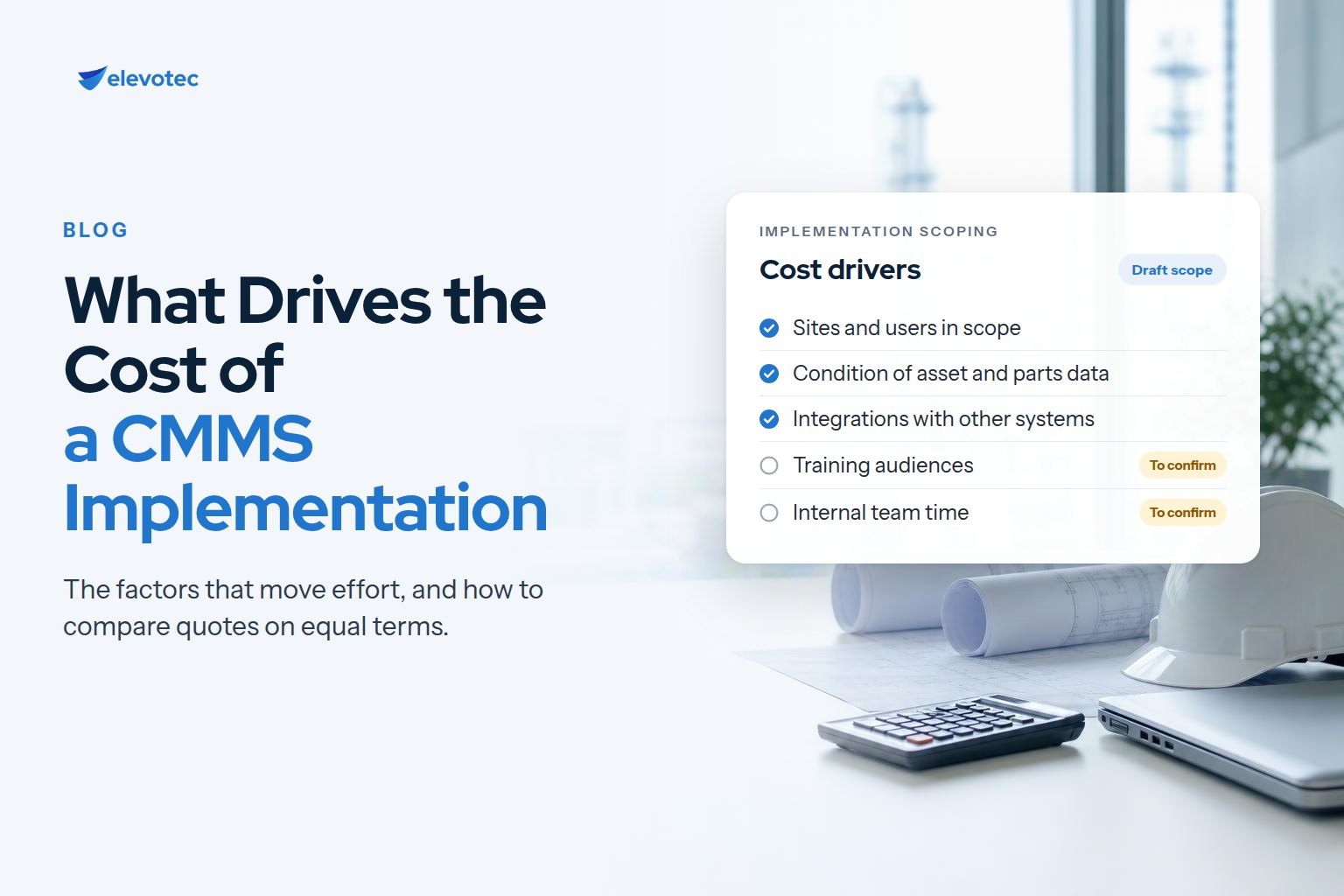
The licence price is the number everyone sees first. The implementation is where budgets usually move. Nobody can give an honest price for a CMMS implementation without knowing your operation, so this guide does not try. Instead, it sets out the factors that drive effort up or down, so you can scope the work realistically and compare proposals on the same basis.
Licence and implementation are separate costs
Software subscriptions are typically priced by edition, number and type of users, and optional modules or integration tools. Implementation services — the work of designing, configuring, loading data, integrating and training — are a separate line. Before comparing totals, check which edition and modules each proposal assumes, and whether any integration tool is licensed separately from the core product.
The factors that drive implementation effort
1. Scope: sites, assets and departments
One plant with one maintenance team is a different project from several sites with different equipment, shift patterns and ways of working. The number of sites, the variety of asset types, and whether facilities, fleet or utilities maintenance are included all change how much design and configuration is needed. Rolling out to every site at once also costs differently from a pilot site followed by a planned rollout.
2. The condition of your maintenance data
This is often the factor that is hardest to see at the start. Asset lists spread across spreadsheets, duplicated equipment records, inconsistent naming, missing parent-child hierarchies and parts lists that do not match the storeroom all have to be resolved before a new system is useful. That work needs time from people who know the equipment, not just from the implementation team. Our guide to migrating maintenance data to a new CMMS explains what it involves.
3. How settled your processes are
A CMMS encodes decisions: how work is requested and approved, how priorities are set, who owns each preventive maintenance schedule, and when a work order counts as closed. If those decisions are already agreed, configuration follows them. If they are not, the project has to make them, and the time that takes is part of the cost.
4. Configuration complexity
Every additional work-order type, custom field, approval step, notification rule, report and dashboard adds design, build and testing. Keeping configuration close to how the system works as delivered is usually cheaper to implement and to maintain; each deviation should earn its place.
5. Integrations
Each connection to another system — purchasing or ERP, finance, HR or payroll, condition monitoring — needs its scope, data direction, timing and ownership agreed, then building and testing on both sides. Integrations also need an owner after go-live. Count them early, and be clear which are needed at launch and which can follow.
6. Training and change management
The number of roles, shifts and sites decides how many training sessions are needed and how they are scheduled around production. Support on the floor during the first weeks of live use, while new habits are forming, is part of the same budget. Underfunding this stage is the most reliable way to end up with a system nobody trusts.
7. Your own team’s time
The cost that rarely appears on a quote is internal: maintenance leads, planners, storeroom staff and IT spending time in workshops, reviewing data, testing and preparing for go-live. Plan for it explicitly, including who covers their normal work while they do it.
8. Support after go-live
Once real work is flowing through the system, there is still work to do: adding users, adjusting preventive maintenance frequencies, building reports people ask for and keeping the data standard intact. Decide in advance whether that is handled internally, by a partner, or both.
How to keep the cost predictable
- Agree the scope — sites, asset types and integrations — before asking for a proposal.
- Look at the condition of your data early, before it surprises the project.
- Phase the rollout, so lessons from the first site reduce the effort at the next.
- Name internal owners for data, processes and integrations, and protect their time.
- Ask every proposal to state its assumptions about data loading, integrations, training and support.
- Agree what “done” means for each stage, in terms of something you are handed.
Comparing proposals on equal terms
Two proposals for the same software can differ widely because they assume different things. Before comparing totals, line up how many data sources each one will load, how many integrations it includes, how many training sessions and which roles, what support is provided after go-live, and what your own team is expected to do. A lower number that leaves data preparation to you is not cheaper if your team cannot absorb that work.
How Elevotec scopes an eMaint X5 implementation
For eMaint X5, Elevotec’s implementation approach names a deliverable for every stage, from the requirements map to the KPI review after go-live. It starts with a readiness review: a short scoping conversation that ends in a written summary of the data work your deployment would need, the sequence to run it in, and the decisions to make before configuration starts.
If you are still deciding what kind of system you need, read CMMS vs EAM first, or take the CMMS / EAM Transformation Assessment.